Create new account
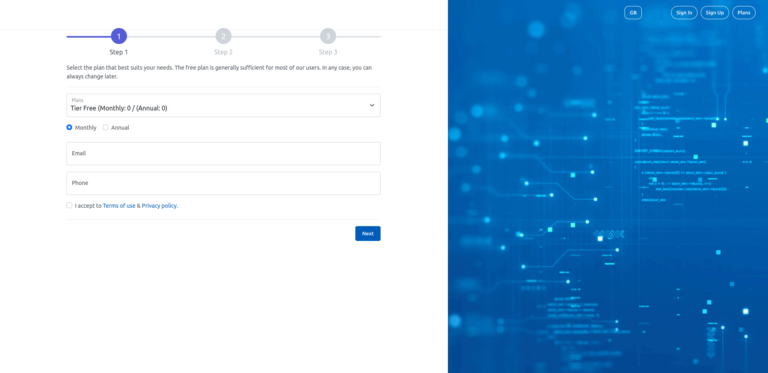
Click the sign-up button and create a free EdgeWatch account in just three easy steps: Step 1. Select the plan that best suits your needs. The free plan is generally enough for all needs. You can always change later. Fill…



Click the sign-up button and create a free EdgeWatch account in just three easy steps: Step 1. Select the plan that best suits your needs. The free plan is generally enough for all needs. You can always change later. Fill…
Security scans can be performed over one or all assets or domain names. Scheduled scans. To add new task just use right upper corner button to schedule new task. Manual scans. To run a one-time-scan please use the scan button…
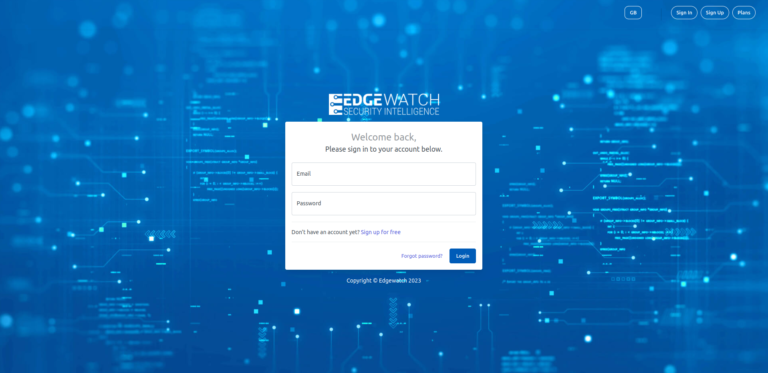
Log in our Cloud APP from the URL provided in the registration confirmation email. This address may vary depending on the sponsoring partner. At first setup, please use main account email and password used at registration. If needed you can…

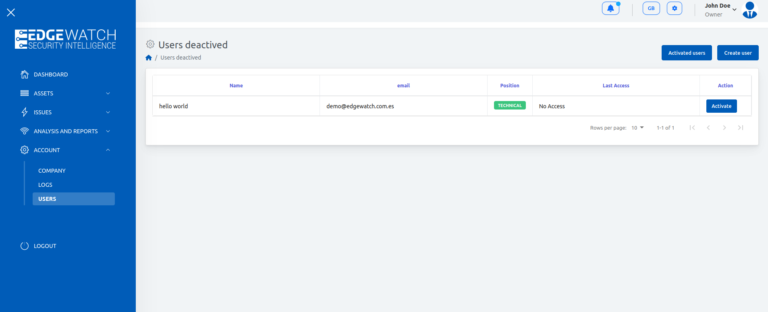
In order to ensure traceability, users are always nominal and only one (1) session can be held per user. There is no user limit, so feel free to create one account for each collaborator. Add new users: To create users,…

Assets > Asset list > Upper right corner “Register asset” Button To register a new asset, just add the information you know about it, we will try to our best to look for everything else. As starting point we only…

Assets > Domain > Upper right corner “Register domain” Button Usually all known domains related to a given asset will be ready to be registered from the Domains view. Tap the filter and push register. If not, you also can…
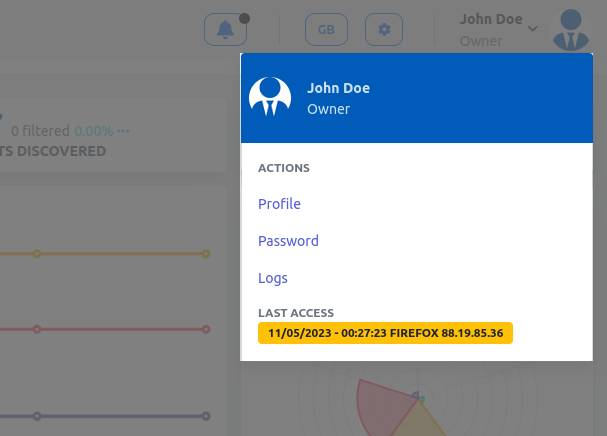
Actions Profile. Edit your name, contact preferences and profile data. Logs. User activity logs. Password. Change Password Double authentication. Please enable two-factor authentication (2FA) using a mobile app like Google Authenticator (Play store or App Store). 2FA is essential to web…
All company information and subscription preferences can be found in main account section: –Company. Shows us the main data of the Company. –Plan. Shows your current your subscription, features and amazing upgrades ready to go. –Billing. Change your billing details.…

Check all your current and past scan tasks at Analysis & Reports section: Previous scans List all finished scanning tasks across your account with a summary view. You can sort or filter data in table to search. View option shows…

Any security related subject will be recorded as issue to be treated by an analyst to assess the extent and severity. Issues Manager All issues will be list in the issues manager. Applications List found technologies.